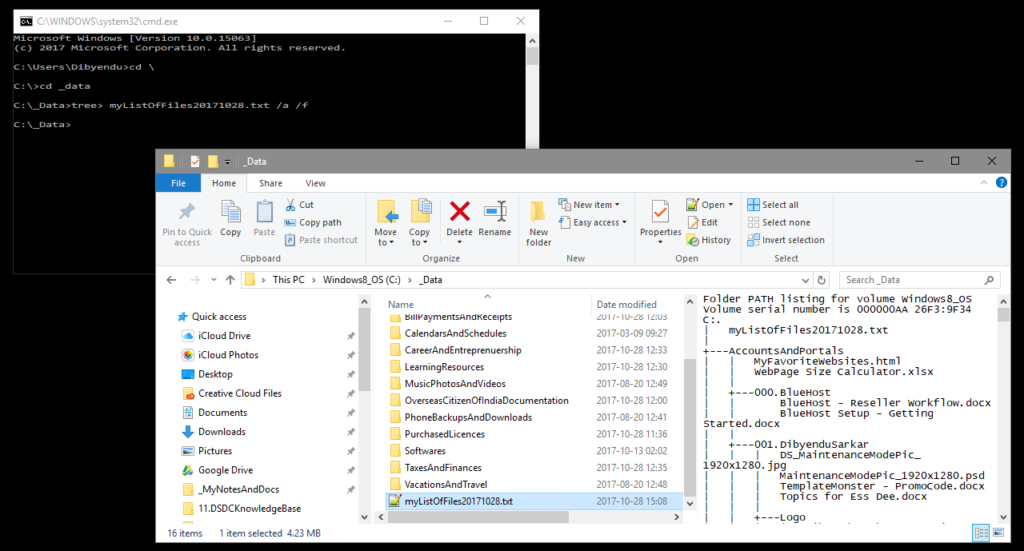
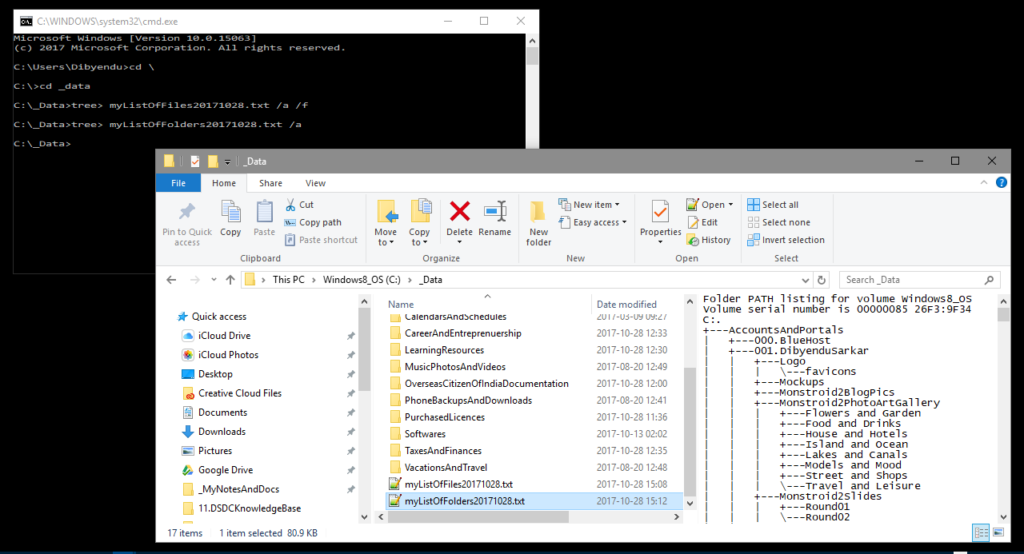
At times you are looking for a file and are unable to trace it on your computer. This may be just because you don’t remember, which folder you placed it in and with what name. Or maybe you wish to reorg your folder structure as your annual clean-up process. In either case, if you are looking for a Visual form of your computers’ Directory Tree (along with the Files in them), then follow these steps.
- Go to Windows Command Prompt by either pressing <WIN LOGO> + R (or through the Win menu as you see below)

- Go to the Root Folder from where onward you want the Files’ list and Folder Structure
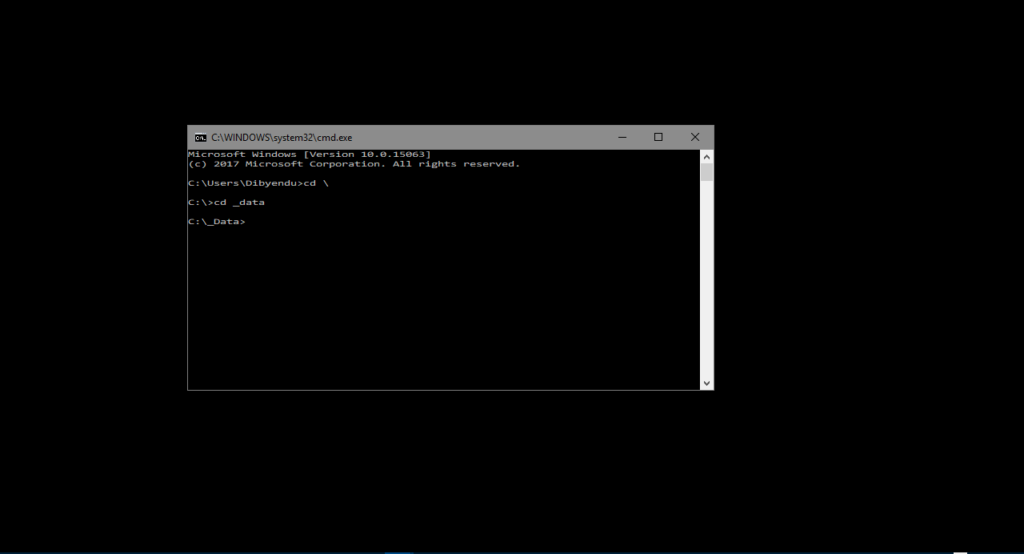
- Type command “tree> [filename.txt you want the output list in] /a /f”
/a is for ASCII format output
/f is for listing files, else only folders are listed